


Short answer: A complete outdoor TV cabling install needs four wired runs — 110V AC power on a dedicated GFCI circuit, weather-sealed HDMI from your media source, Cat6 Ethernet for streaming, and optional outdoor-rated coax for OTA antenna — all entering the TV through a single weatherproof wall plate with drip loops below the entry point. Done right, the cabling outlasts the TV. Done wrong, water enters the bezel within 12 months and kills a $1,499 outdoor TV (like the BYTEFREE BF-55ODTV) prematurely.
The Four Cable Runs Every Outdoor TV Install Needs
Most outdoor TV cabling guides cover power and HDMI but miss the other two essential runs. The complete stack:
1. Power — 110V AC on a dedicated GFCI circuit. Code-required for outdoor electrical (NEC 210.8). Outdoor TVs draw 80–150W at full brightness; a 15A or 20A dedicated GFCI handles it with surge protection added downstream.
2. Video — HDMI 2.0 or 2.1 from media source. Even if your TV has built-in Google TV (BYTEFREE) or Tizen (Samsung), you'll likely run an external soundbar, console, or AV receiver via HDMI. Plan for 1–2 HDMI runs to the TV's eARC port.
3. Network — Cat6 Ethernet. Wi-Fi degrades around outdoor humidity and distance from the router. Cat6 to the TV is more reliable for 4K HDR streaming and adds essentially zero cost during the wall opening.
4. Antenna — Outdoor-rated coax (optional). If you want OTA broadcast (sports, local news), run RG6 outdoor-rated coax from a roof or attic antenna. BYTEFREE has a built-in NTSC + ATSC tuner, so no separate decoder is needed.
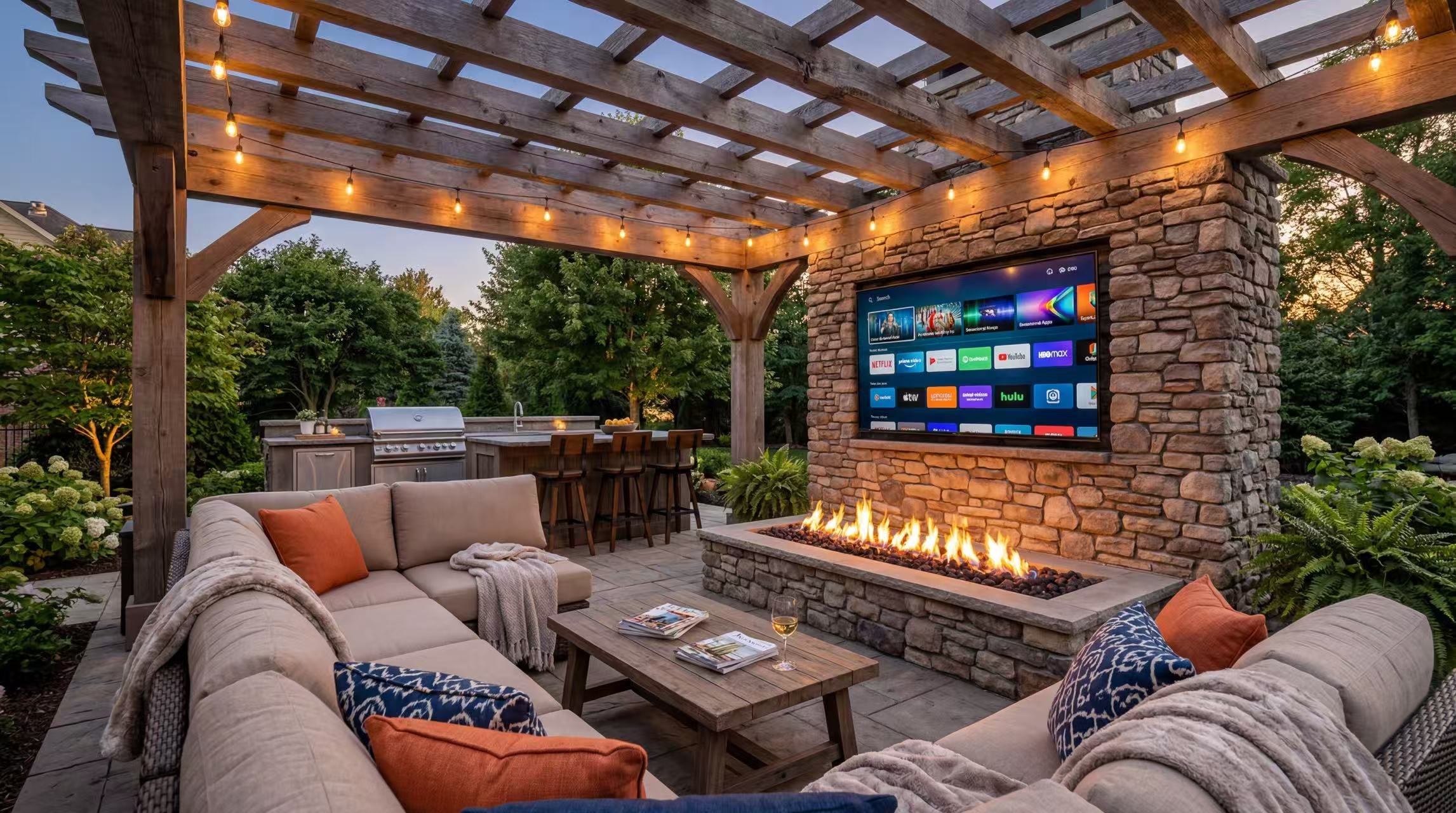
For a typical pergola or covered-porch install, all four runs enter through a single 4×4" or 6×6" weatherproof wall plate behind the TV mount.
Cable Selection: What to Buy
The cable spec sheet for outdoor TV runs differs from indoor in three ways: jacket UV resistance, water resistance, and shielding.
For a typical 30 ft cable run from inside the house to the outdoor TV mount:
Power: ~$60 (UF-B + conduit)
HDMI: ~$45 outdoor-rated
Ethernet: ~$25 outdoor UTP-OSP
Coax: ~$20 outdoor RG6
Total cable cost: ~$150
Don't substitute indoor cable for outdoor runs. PVC jackets crack in UV within 18–24 months and water enters the cable from the cracks. Outdoor-rated UV-resistant jackets last 10+ years.
The Wall Plate: The Single Most Important Install Decision
The point where cables enter the wall is the most failure-prone part of any outdoor TV install. Three approaches, ranked from worst to best:
Worst: Multiple ad-hoc holes through siding. What 70% of DIY installs end up doing — separate hole for power, separate for HDMI, separate for Ethernet. Each hole is a water entry point. Sealed with caulk, fails within 2–3 years.
Better: Single weatherproof recessed media box. A single 4×4" or 6×6" recessed box (e.g., Arlington TVBU810BL) with a sealed gasket cover. All cables enter through one opening. Sealed properly with the gasket and a single bead of high-grade outdoor sealant.
Best: Recessed media box with top-entry pass-through. Same as above, but cables enter the box from the top via a sealed strain-relief gland. Drip loop forms naturally; water that runs down the wall hits the gland and drips, never enters the box. This is the install AV integrators use.
Spend $40–60 on the right wall plate. It's the single biggest predictor of whether your outdoor TV survives 10 years or 3.
The Drip Loop: Free, Critical, Constantly Skipped
A drip loop is a downward U-shape in the cable below the wall entry point. Water running along the cable hits the bottom of the U and drips off, never reaching the wall plate or TV.
How to make a proper drip loop:
Route the cable from the wall plate downward at least 4 inches before going up to the TV mount
Secure the bottom of the U with a cable clip or zip-tie to maintain the shape
Let the cable continue up to the TV from the bottom of the U
Every cable entering or exiting the outdoor TV needs a drip loop on the outside-the-wall side. This includes power, HDMI, Ethernet, coax, and any audio cable. It's free. It's the difference between a 10-year install and a 3-year install.
Step-by-Step Cabling Procedure
The order of operations for a clean outdoor TV cable install:
Step 1: Plan the wall opening. Locate the TV mount center. The wall plate goes 6–12 inches below the mount centerline (so cables hide behind the TV, not above it). Mark the box outline with a pencil.
Step 2: Cut the wall opening. Use a drywall saw inside or a jigsaw outside. Cut the box outline cleanly. If installing through siding, you'll need to remove a section of siding for proper sealing.
Step 3: Run cables from inside to outside. Pull all four cables (power, HDMI, Ethernet, coax) through the wall cavity to the outside. Leave 18+ inches of slack on the outside for connections and drip loops.
Step 4: Mount the recessed media box. Set the box in the wall opening with the gasket compressed against the siding. Screw to studs through the box flange.
Step 5: Apply outdoor sealant. Run a bead of outdoor-rated polyurethane sealant (NOT silicone) around the perimeter of the box where it meets the siding. Polyurethane stays flexible and adheres to siding for 15+ years; silicone fails at 5–7.
Step 6: Connect cables inside the box. Power to the GFCI receptacle, HDMI/Ethernet to keystone jacks, coax to coax F-connector. All connections inside the sealed box.
Step 7: Form drip loops on each cable exiting the box. 4-inch downward U on every cable before routing to the TV mount.
Step 8: Mount the TV and connect. Use locking weather-sealed HDMI connectors at the TV side (e.g., Neutrik NE8FBW). Connect power last.
Step 9: Test before sealing. Power up the TV, confirm HDMI input, network connectivity, and OTA tuner all work. Don't seal anything until everything tests good.
Step 10: Seal final cable entries at the TV. Apply outdoor sealant or rubber gland around the cable entries on the back of the TV mount housing.
Total time for a clean DIY install: 3–4 hours. Total parts cost (cabling + wall plate + sealant): $200–280.
The Five Cabling Mistakes That Kill Outdoor TVs
Failure modes I see most often in 5-year-old outdoor TV installs:
1. Indoor HDMI cable used for outdoor run. Standard CL2 HDMI has a PVC jacket that cracks in UV within 18–24 months. Water enters the cable, travels down to the TV's HDMI port, corrodes the connector, and shorts the input board. Fix: use CL3 outdoor-rated HDMI.
2. No drip loops. Water runs along the cable to the wall plate or TV input. Wall plates are gasket-sealed but the gasket can only handle so much water. Drip loops are free and prevent 90% of water-related failures. Always include them.
3. Multiple ad-hoc cable holes through siding. Each hole is a leak point. Even sealed with caulk, residential silicone caulk fails within 5 years. Fix: use a single recessed media box with proper gasket.
4. Standard HDMI connectors at the TV side. Standard HDMI is not splash-resistant. Wind-driven rain hits the TV and runs into the unsealed HDMI port. Fix: use locking weather-sealed HDMI like Neutrik NE8FBW or HDM-WP weatherproof HDMI couplers.
5. Power on a non-GFCI circuit. Code violation in most US jurisdictions and dangerous. A $30 GFCI outlet on a dedicated circuit is the right fix. Add downstream surge protection too.
Frequently Asked Questions
Can I run the TV on Wi-Fi instead of Ethernet?
You can, but Wi-Fi degrades around outdoor humidity and at distances 30+ ft from the router. For 4K HDR streaming, Ethernet is more reliable. Cost difference for the Ethernet run during install is $25–40 — worth it.
How long can the HDMI cable run be?
For passive copper HDMI, max reliable run is about 25 ft for 4K 60Hz. For longer runs, use HDMI-over-Cat6 extenders ($60–120) or active fiber HDMI cables. Most outdoor TV installs are within 25 ft of the indoor source, so passive copper works.
Do I need conduit for the power run?
NEC 210.8 and local code typically require either conduit or UF-B direct-burial cable for outdoor power runs. Check local code; conduit is the safer default and allows future cable additions without re-pulling.
What about wireless HDMI for outdoor TVs?
Wireless HDMI (e.g., DVDO Air4K) works for short distances (under 30 ft, line-of-sight) but adds compression artifacts and 30–80 ms input lag. For sports, gaming, or critical viewing, wired HDMI is meaningfully better. Wireless is fine for casual streaming.
Can I share a circuit with outdoor lighting?
Not ideal. Outdoor lighting creates voltage transients on the line that can affect TV power supplies. Prefer a dedicated 15A or 20A circuit for the outdoor TV. If sharing, add point-of-use surge protection at the TV.
Should I use locking HDMI connectors?
Yes for outdoor installs. Standard HDMI connectors loosen with vibration and thermal cycling, eventually losing contact. Locking HDMI (sealed weatherproof type) maintains connection over years and prevents water intrusion. Adds $15–25 per HDMI run.
Bottom Line
A complete outdoor TV cabling install needs a single weatherproof wall plate, four cable runs (power on dedicated GFCI, HDMI, Ethernet, optional coax), drip loops on every external cable, and outdoor-rated UV-resistant cable jackets throughout. Total parts cost $200–280 beyond the indoor equivalent; total time 3–4 hours DIY.
The single most important habit: drip loops on every cable. They cost nothing, take 30 seconds each, and prevent 90% of water-related TV failures. Combined with a quality recessed media box and proper outdoor sealant (polyurethane, not silicone), the cabling outlasts the TV itself.
→ Shop the BYTEFREE BF-55ODTV at [bytefree.net](http://bytefree.net) — 55″ 4K, IP55, –22°F to 122°F operating range, all-metal chassis, partial-sun rated, $1,499.
| Quick takeaway: The biggest outdoor TV killer isn't sun, rain, or cold — it's water that enters through cable connections. Use a single weatherproof wall plate, leave drip loops below cable entries, run outdoor-rated cables (UV-resistant jackets), and seal connectors with weather-rated locking hardware. Total parts cost: $80–150 beyond the residential indoor equivalent. Saves the TV and lasts 10+ years. |
The Four Cable Runs Every Outdoor TV Install Needs
Most outdoor TV cabling guides cover power and HDMI but miss the other two essential runs. The complete stack:
1. Power — 110V AC on a dedicated GFCI circuit. Code-required for outdoor electrical (NEC 210.8). Outdoor TVs draw 80–150W at full brightness; a 15A or 20A dedicated GFCI handles it with surge protection added downstream.
2. Video — HDMI 2.0 or 2.1 from media source. Even if your TV has built-in Google TV (BYTEFREE) or Tizen (Samsung), you'll likely run an external soundbar, console, or AV receiver via HDMI. Plan for 1–2 HDMI runs to the TV's eARC port.
3. Network — Cat6 Ethernet. Wi-Fi degrades around outdoor humidity and distance from the router. Cat6 to the TV is more reliable for 4K HDR streaming and adds essentially zero cost during the wall opening.
4. Antenna — Outdoor-rated coax (optional). If you want OTA broadcast (sports, local news), run RG6 outdoor-rated coax from a roof or attic antenna. BYTEFREE has a built-in NTSC + ATSC tuner, so no separate decoder is needed.
For a typical pergola or covered-porch install, all four runs enter through a single 4×4" or 6×6" weatherproof wall plate behind the TV mount.
Cable Selection: What to Buy
The cable spec sheet for outdoor TV runs differs from indoor in three ways: jacket UV resistance, water resistance, and shielding.
| Cable type | Indoor spec | Outdoor spec | Cost difference |
| Power | 14/2 NM-B Romex | 14/2 UF-B (direct burial) or in conduit | +$0.50/ft |
| HDMI | Standard CL2 | CL3 outdoor-rated, UV jacket | +$15–30 per run |
| Ethernet | Cat6 indoor PVC | Cat6 outdoor UTP-OSP, UV-resistant gel-filled | +$0.40/ft |
| Coax | RG6 indoor | RG6 outdoor flooded, UV jacket | +$0.30/ft |
| Speaker / audio | 16 AWG indoor | 14 AWG outdoor, UV-resistant jacket | +$0.40/ft |
Power: ~$60 (UF-B + conduit)
HDMI: ~$45 outdoor-rated
Ethernet: ~$25 outdoor UTP-OSP
Coax: ~$20 outdoor RG6
Total cable cost: ~$150
Don't substitute indoor cable for outdoor runs. PVC jackets crack in UV within 18–24 months and water enters the cable from the cracks. Outdoor-rated UV-resistant jackets last 10+ years.
The Wall Plate: The Single Most Important Install Decision
The point where cables enter the wall is the most failure-prone part of any outdoor TV install. Three approaches, ranked from worst to best:
Worst: Multiple ad-hoc holes through siding. What 70% of DIY installs end up doing — separate hole for power, separate for HDMI, separate for Ethernet. Each hole is a water entry point. Sealed with caulk, fails within 2–3 years.
Better: Single weatherproof recessed media box. A single 4×4" or 6×6" recessed box (e.g., Arlington TVBU810BL) with a sealed gasket cover. All cables enter through one opening. Sealed properly with the gasket and a single bead of high-grade outdoor sealant.
Best: Recessed media box with top-entry pass-through. Same as above, but cables enter the box from the top via a sealed strain-relief gland. Drip loop forms naturally; water that runs down the wall hits the gland and drips, never enters the box. This is the install AV integrators use.
Spend $40–60 on the right wall plate. It's the single biggest predictor of whether your outdoor TV survives 10 years or 3.
The Drip Loop: Free, Critical, Constantly Skipped
A drip loop is a downward U-shape in the cable below the wall entry point. Water running along the cable hits the bottom of the U and drips off, never reaching the wall plate or TV.
How to make a proper drip loop:
Route the cable from the wall plate downward at least 4 inches before going up to the TV mount
Secure the bottom of the U with a cable clip or zip-tie to maintain the shape
Let the cable continue up to the TV from the bottom of the U
Every cable entering or exiting the outdoor TV needs a drip loop on the outside-the-wall side. This includes power, HDMI, Ethernet, coax, and any audio cable. It's free. It's the difference between a 10-year install and a 3-year install.
Step-by-Step Cabling Procedure
The order of operations for a clean outdoor TV cable install:
Step 1: Plan the wall opening. Locate the TV mount center. The wall plate goes 6–12 inches below the mount centerline (so cables hide behind the TV, not above it). Mark the box outline with a pencil.
Step 2: Cut the wall opening. Use a drywall saw inside or a jigsaw outside. Cut the box outline cleanly. If installing through siding, you'll need to remove a section of siding for proper sealing.
Step 3: Run cables from inside to outside. Pull all four cables (power, HDMI, Ethernet, coax) through the wall cavity to the outside. Leave 18+ inches of slack on the outside for connections and drip loops.
Step 4: Mount the recessed media box. Set the box in the wall opening with the gasket compressed against the siding. Screw to studs through the box flange.
Step 5: Apply outdoor sealant. Run a bead of outdoor-rated polyurethane sealant (NOT silicone) around the perimeter of the box where it meets the siding. Polyurethane stays flexible and adheres to siding for 15+ years; silicone fails at 5–7.
Step 6: Connect cables inside the box. Power to the GFCI receptacle, HDMI/Ethernet to keystone jacks, coax to coax F-connector. All connections inside the sealed box.
Step 7: Form drip loops on each cable exiting the box. 4-inch downward U on every cable before routing to the TV mount.
Step 8: Mount the TV and connect. Use locking weather-sealed HDMI connectors at the TV side (e.g., Neutrik NE8FBW). Connect power last.
Step 9: Test before sealing. Power up the TV, confirm HDMI input, network connectivity, and OTA tuner all work. Don't seal anything until everything tests good.
Step 10: Seal final cable entries at the TV. Apply outdoor sealant or rubber gland around the cable entries on the back of the TV mount housing.
Total time for a clean DIY install: 3–4 hours. Total parts cost (cabling + wall plate + sealant): $200–280.
The Five Cabling Mistakes That Kill Outdoor TVs
Failure modes I see most often in 5-year-old outdoor TV installs:
1. Indoor HDMI cable used for outdoor run. Standard CL2 HDMI has a PVC jacket that cracks in UV within 18–24 months. Water enters the cable, travels down to the TV's HDMI port, corrodes the connector, and shorts the input board. Fix: use CL3 outdoor-rated HDMI.
2. No drip loops. Water runs along the cable to the wall plate or TV input. Wall plates are gasket-sealed but the gasket can only handle so much water. Drip loops are free and prevent 90% of water-related failures. Always include them.
3. Multiple ad-hoc cable holes through siding. Each hole is a leak point. Even sealed with caulk, residential silicone caulk fails within 5 years. Fix: use a single recessed media box with proper gasket.
4. Standard HDMI connectors at the TV side. Standard HDMI is not splash-resistant. Wind-driven rain hits the TV and runs into the unsealed HDMI port. Fix: use locking weather-sealed HDMI like Neutrik NE8FBW or HDM-WP weatherproof HDMI couplers.
5. Power on a non-GFCI circuit. Code violation in most US jurisdictions and dangerous. A $30 GFCI outlet on a dedicated circuit is the right fix. Add downstream surge protection too.
Frequently Asked Questions
Can I run the TV on Wi-Fi instead of Ethernet?
You can, but Wi-Fi degrades around outdoor humidity and at distances 30+ ft from the router. For 4K HDR streaming, Ethernet is more reliable. Cost difference for the Ethernet run during install is $25–40 — worth it.
How long can the HDMI cable run be?
For passive copper HDMI, max reliable run is about 25 ft for 4K 60Hz. For longer runs, use HDMI-over-Cat6 extenders ($60–120) or active fiber HDMI cables. Most outdoor TV installs are within 25 ft of the indoor source, so passive copper works.
Do I need conduit for the power run?
NEC 210.8 and local code typically require either conduit or UF-B direct-burial cable for outdoor power runs. Check local code; conduit is the safer default and allows future cable additions without re-pulling.
What about wireless HDMI for outdoor TVs?
Wireless HDMI (e.g., DVDO Air4K) works for short distances (under 30 ft, line-of-sight) but adds compression artifacts and 30–80 ms input lag. For sports, gaming, or critical viewing, wired HDMI is meaningfully better. Wireless is fine for casual streaming.
Can I share a circuit with outdoor lighting?
Not ideal. Outdoor lighting creates voltage transients on the line that can affect TV power supplies. Prefer a dedicated 15A or 20A circuit for the outdoor TV. If sharing, add point-of-use surge protection at the TV.
Should I use locking HDMI connectors?
Yes for outdoor installs. Standard HDMI connectors loosen with vibration and thermal cycling, eventually losing contact. Locking HDMI (sealed weatherproof type) maintains connection over years and prevents water intrusion. Adds $15–25 per HDMI run.
Bottom Line
A complete outdoor TV cabling install needs a single weatherproof wall plate, four cable runs (power on dedicated GFCI, HDMI, Ethernet, optional coax), drip loops on every external cable, and outdoor-rated UV-resistant cable jackets throughout. Total parts cost $200–280 beyond the indoor equivalent; total time 3–4 hours DIY.
The single most important habit: drip loops on every cable. They cost nothing, take 30 seconds each, and prevent 90% of water-related TV failures. Combined with a quality recessed media box and proper outdoor sealant (polyurethane, not silicone), the cabling outlasts the TV itself.
→ Shop the BYTEFREE BF-55ODTV at [bytefree.net](http://bytefree.net) — 55″ 4K, IP55, –22°F to 122°F operating range, all-metal chassis, partial-sun rated, $1,499.