


This guide will show you how to get HBO Max on your Panasonic smart TV, please follow the steps below.
1. Open your Panasonic smart TV.
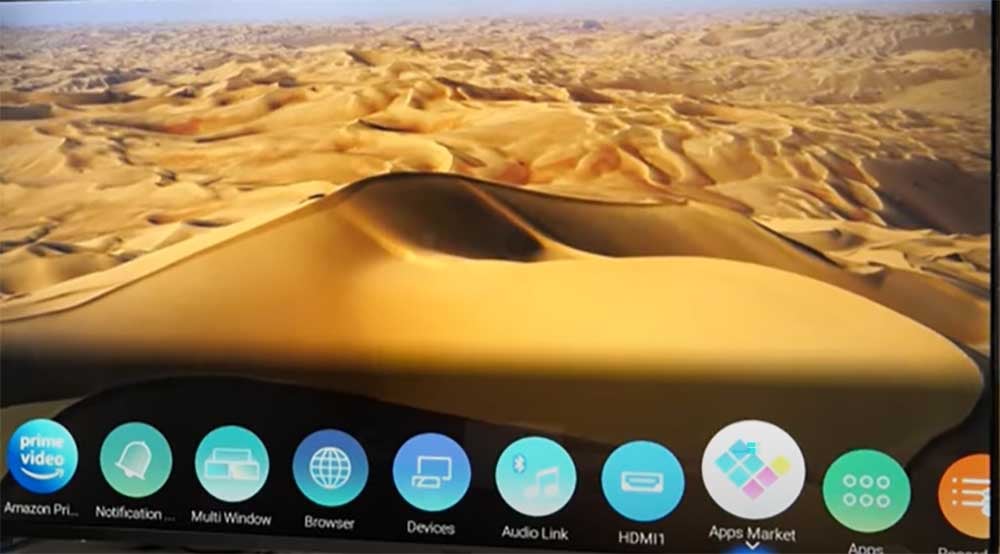
2. Press the Home button on your Panasonic remote.
3. Scroll right and choose the App Market on the home screen.
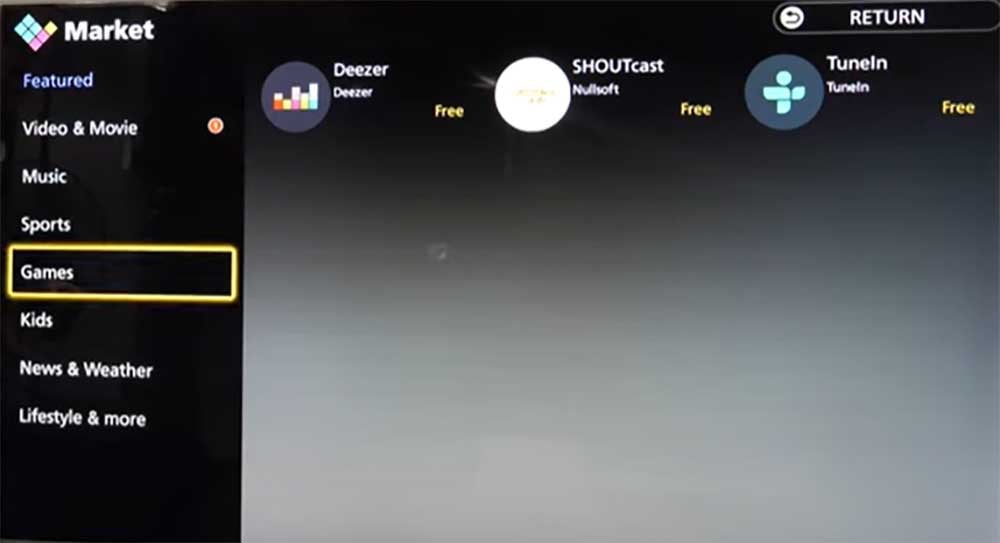
4. Search for HBO Max.
5. Select Install.
1. Open your Panasonic smart TV.
2. Press the Home button on your Panasonic remote.
3. Scroll right and choose the App Market on the home screen.
4. Search for HBO Max.
5. Select Install.


