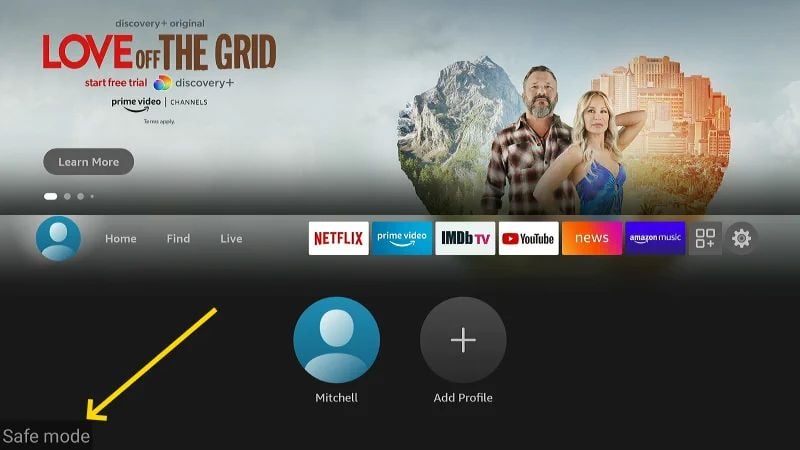
How to turn off safe mode on Insignia Fire TV?

Raok

New member
My Insignia TV is stuck on the safe mode page, so does any help for how to turn off safe mode on Insignia Fire TV?
 

Ishaa

Member
Simply restart the Fire TV by going to Settings > My Fire TV > Restart. Once the Fire TV reboots, it should now be running normally.
 

XLZ451

Member
Safe mode is displayed on the bottom left screen of the Android™ TV after you reboot the TV. On the supplied IR remote control, press and hold the POWER button for at least five seconds to exit the screen.

safe mode on Insignia Fire TV.jpg
 

WWGHIAFTC

New member
Mine did the same thing and a firmware update cleared it. If you can get into Settings at all, check for a system update; otherwise unplug the TV for a minute and let it fully restart.

 
Top