


If you find that the projector lens has dust, but does not affect the viewing, then you do not need to clean. If the dust in the lens affects the viewing, you need to disassemble the projector to clean the dust. Refer to the tutorial below for more information on how to do this.
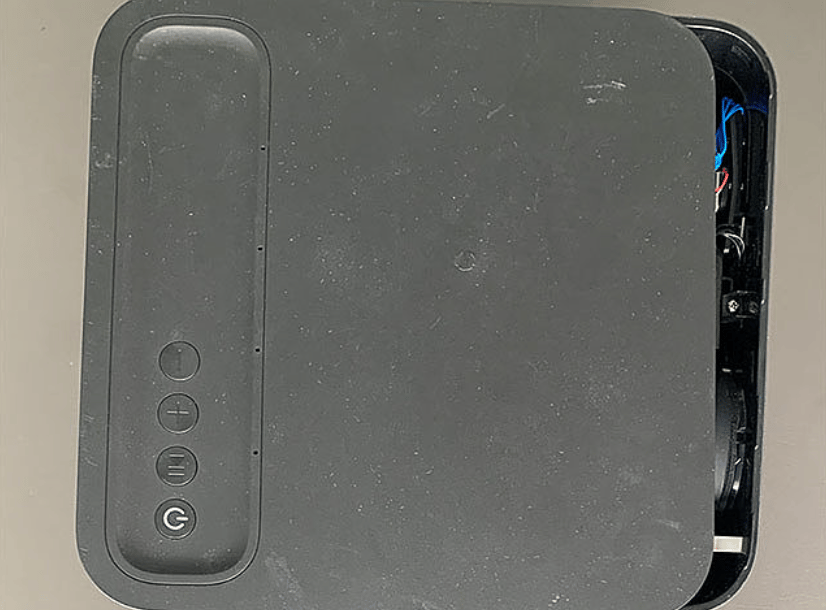
1. Disassemble the projector
Disassemble the projector casing and remove the shutdown section.
2. Clean up the lens dust
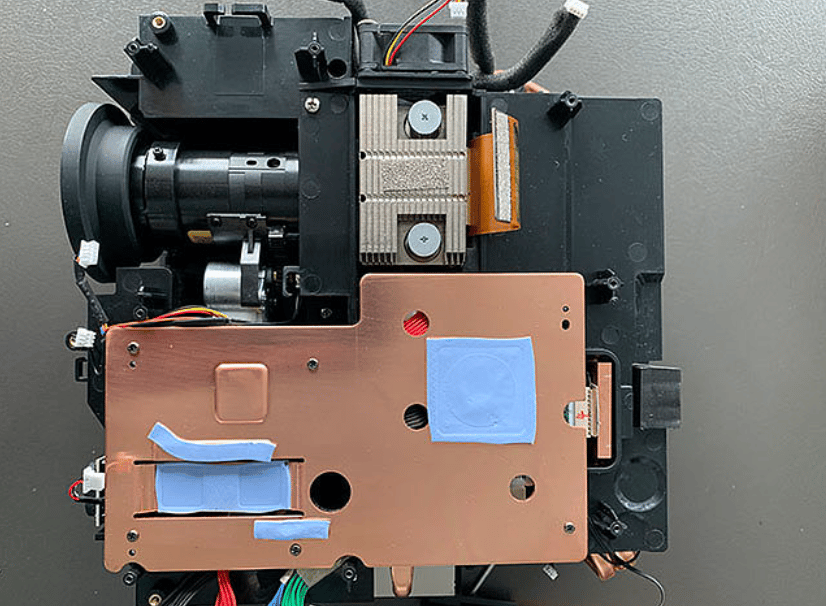
Clean up the disassembled lens.
3. Reassemble the projector
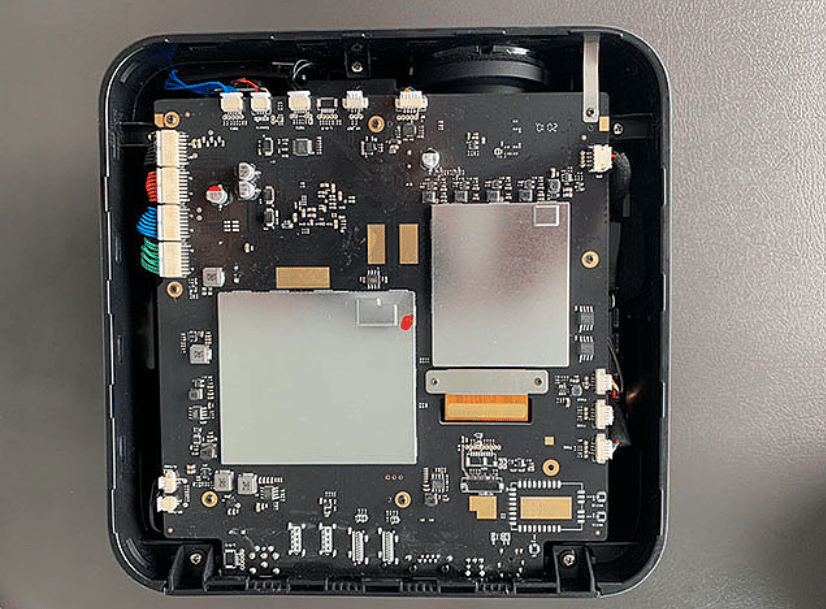
After the lens is cleaned up, reassemble the projector.
If you can't disassemble and clean it, it is recommended to contact a professional projector repairer to handle it, or you can send it back to the manufacturer for help.
1. Disassemble the projector
Disassemble the projector casing and remove the shutdown section.
2. Clean up the lens dust
Clean up the disassembled lens.
3. Reassemble the projector
After the lens is cleaned up, reassemble the projector.
If you can't disassemble and clean it, it is recommended to contact a professional projector repairer to handle it, or you can send it back to the manufacturer for help.


