


Catalogs Hide
Watching sports outside hits differently. Sunday afternoon games on a patio, playoff nights in the backyard, weekend tailgate energy at home — the setup matters more than it does for passive evening streaming.
Sports-specific requirements push some outdoor TV specs that don't matter as much for movies or general streaming. Here's what to prioritize when the use case is sports.
For sports viewing, brightness isn't just about comfort — it's about the experience. A washed-out screen at 1pm turns a game into background noise you can barely see from the grill. 1,500 nits is the floor for a genuine daytime sports setup. Anything under 1,000 nits is a shade-only proposition.
Not every outdoor TV includes MEMC. For a sports-first setup, it's a spec worth confirming before buying.
30W minimum for outdoor sports audio. Stereo separation matters for the spatial feel of crowd noise and commentary. Dolby Atmos processing helps with the overall sound staging even through TV speakers.
For a serious sports setup, plan for an outdoor Bluetooth soundbar or speaker paired to the TV — but start with a TV that gives you 30W+ from the built-in speakers as a baseline.
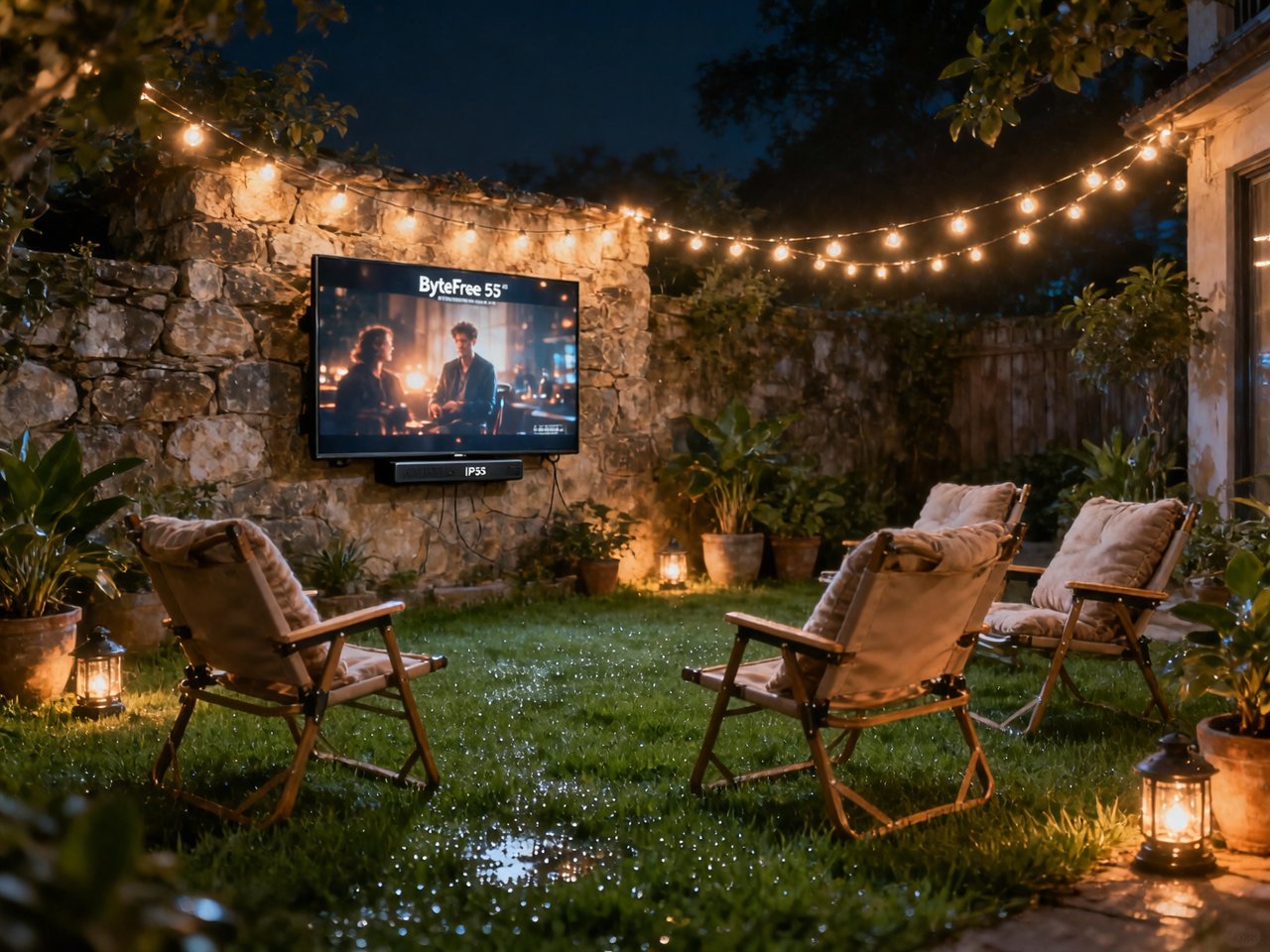
The BF-55ODTV checks every sports-specific box:
1,500-nit D-LED panel with anti-glare glass — watchable in afternoon sun, the scenario most outdoor game viewing actually happens in. Anti-glare treatment reduces the reflections that make fast action hard to track.
MEMC motion processing — confirmed on the spec sheet. Fast-moving sports content renders cleanly without the motion blur that lower-end panels show on panning shots and ball tracking.
Game Mode — drops input lag for responsive performance. Relevant if you're mixing sports watching with console gaming at the same outdoor setup.
30W Dolby Atmos audio (15W × 2 stereo) — the strongest built-in audio at this price point in the outdoor TV category. Crowd noise and commentary carry across a patio without needing to add a speaker immediately.
Google TV — every major sports streaming platform accessible in one place. Chromecast built in for casting from a phone when you want to hand off control to someone across the yard.
IP55 and all-metal construction handle the outdoor environment. Operating range 0–50°C covers cold-weather football season and summer baseball equally.
For sports specifically, the ByteFree leads at this price tier on both MEMC and audio output — two specs the SunBrite Veranda 3 doesn't match despite costing $700 more.
Pair with a Bluetooth outdoor speaker. The TV's 30W does the job for moderate-size patios. For a larger backyard setup with 10+ people, an outdoor Bluetooth soundbar ($150–$300) transforms the audio experience. ByteFree's Bluetooth 5.1 connects stably across the distance.
Use HDMI 2.1 for console input. ByteFree's HDMI 2.1 port (with eARC) handles 4K@60Hz cleanly for sports gaming content or streaming box input.
Sports-specific requirements push some outdoor TV specs that don't matter as much for movies or general streaming. Here's what to prioritize when the use case is sports.
The Specs That Matter for Sports Outdoors
Brightness — Even More Critical for Daytime Games
Sunday afternoon kickoffs. Day games. Weekend matches. Sports happen during the day, and daytime outdoor viewing demands brightness that most covered-patio TVs don't deliver.For sports viewing, brightness isn't just about comfort — it's about the experience. A washed-out screen at 1pm turns a game into background noise you can barely see from the grill. 1,500 nits is the floor for a genuine daytime sports setup. Anything under 1,000 nits is a shade-only proposition.
Motion Processing — Fast Sports, Smooth Picture
Fast-moving content — ball movement, player cuts, camera pans during live action — exposes the limits of panels without motion processing. MEMC (Motion Estimation and Motion Compensation) interpolates frames to reduce blur on fast motion. It's the difference between watching a game clearly and watching smears across the screen during fast plays.Not every outdoor TV includes MEMC. For a sports-first setup, it's a spec worth confirming before buying.
Audio — Outdoors Sound Dissipates Fast
Inside, 20W fills a room. Outside, sound dissipates in every direction simultaneously. A TV with weak built-in audio becomes background noise the moment someone's talking across the patio.30W minimum for outdoor sports audio. Stereo separation matters for the spatial feel of crowd noise and commentary. Dolby Atmos processing helps with the overall sound staging even through TV speakers.
For a serious sports setup, plan for an outdoor Bluetooth soundbar or speaker paired to the TV — but start with a TV that gives you 30W+ from the built-in speakers as a baseline.
Smart TV — Streaming Sports Apps
NFL Sunday Ticket, NBA League Pass, ESPN+, Peacock, Paramount+ — sports streaming is fragmented across platforms in 2026. Google TV covers all of them in one place with a clean interface and voice search. Finding the game you want without hunting through multiple remotes and inputs is a quality-of-life feature that matters more when you have guests.ByteFree BF-55ODTV for Sports
55" | 1,500 nits | MEMC | Game Mode | 30W Dolby Atmos | Google TV | $1,499
The BF-55ODTV checks every sports-specific box:
1,500-nit D-LED panel with anti-glare glass — watchable in afternoon sun, the scenario most outdoor game viewing actually happens in. Anti-glare treatment reduces the reflections that make fast action hard to track.
MEMC motion processing — confirmed on the spec sheet. Fast-moving sports content renders cleanly without the motion blur that lower-end panels show on panning shots and ball tracking.
Game Mode — drops input lag for responsive performance. Relevant if you're mixing sports watching with console gaming at the same outdoor setup.
30W Dolby Atmos audio (15W × 2 stereo) — the strongest built-in audio at this price point in the outdoor TV category. Crowd noise and commentary carry across a patio without needing to add a speaker immediately.
Google TV — every major sports streaming platform accessible in one place. Chromecast built in for casting from a phone when you want to hand off control to someone across the yard.
IP55 and all-metal construction handle the outdoor environment. Operating range 0–50°C covers cold-weather football season and summer baseball equally.
How ByteFree Stacks Up for Sports vs. Competitors
| Model | Brightness | MEMC | Audio | Smart TV | Price |
|---|---|---|---|---|---|
| ByteFree BF-55ODTV | 1,500 nits | Yes | 30W Dolby Atmos | Google TV | ~$1,499 |
| Sylvox DeckPro 2.0 | 1,000 nits | — | 20W | Google TV | ~$1,199 |
| SunBrite Veranda 3 | 1,500 nits | — | 20W | ATV | ~$2,199 |
| Sylvox Cinema | 2,000 nits | Yes | 20W | Google TV | ~$2,499 |
For sports specifically, the ByteFree leads at this price tier on both MEMC and audio output — two specs the SunBrite Veranda 3 doesn't match despite costing $700 more.
Game Day Setup Tips
Position for afternoon sun. Sports viewing peaks in afternoon hours. Set your mount height and angle to minimize the sun hitting the screen face-on between noon and 4pm. Even a slight tilt downward on an outdoor mount reduces glare significantly.Pair with a Bluetooth outdoor speaker. The TV's 30W does the job for moderate-size patios. For a larger backyard setup with 10+ people, an outdoor Bluetooth soundbar ($150–$300) transforms the audio experience. ByteFree's Bluetooth 5.1 connects stably across the distance.
Use HDMI 2.1 for console input. ByteFree's HDMI 2.1 port (with eARC) handles 4K@60Hz cleanly for sports gaming content or streaming box input.