


How to control XGIMI projectors without remote control? XGIMI projectors are equipped with remote control, through which you can connect to wifi, find the programs you want to watch, or do other operations. But when you lose the remote, things don't get that easy.
So here is the guide to control XGIMI projectors without a remote.
1. Download XGIMI Assistant on your phone.
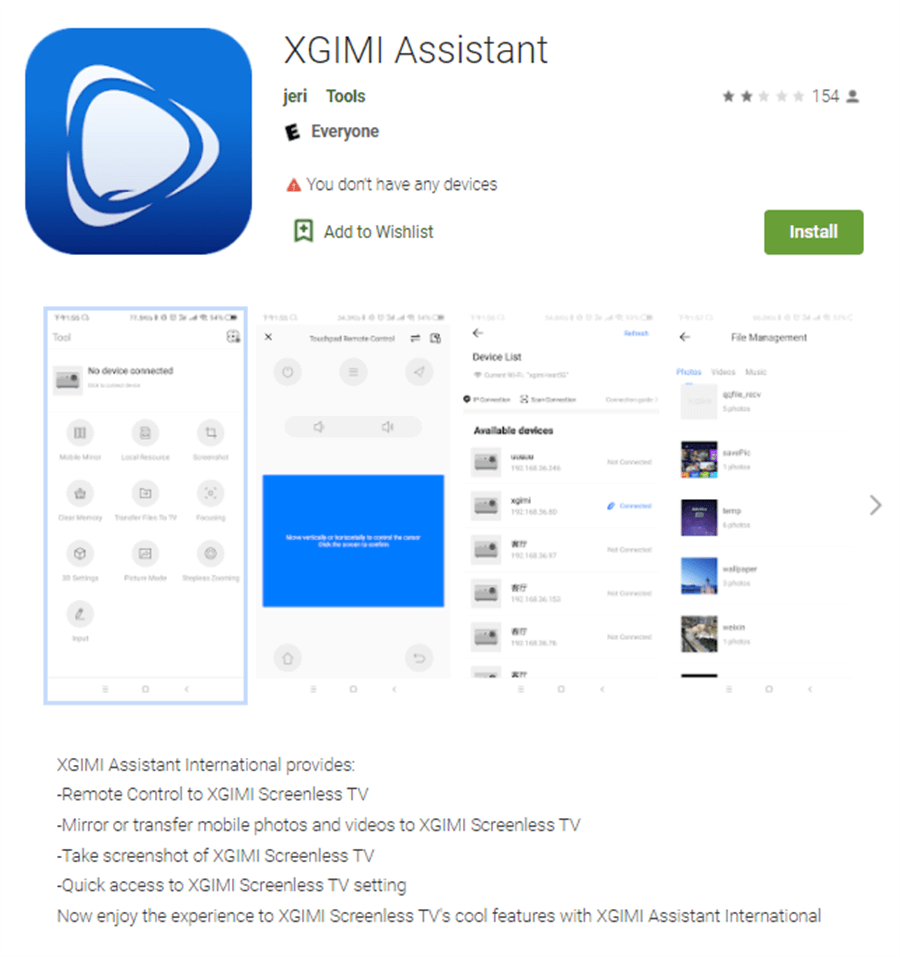
2. Connect your projector to the same Wi-Fi signal as your phone.
3. Open the XGIMI app on your projector to search for the closest device or scan the QR code on your projector.
So here is the guide to control XGIMI projectors without a remote.
1. Download XGIMI Assistant on your phone.
2. Connect your projector to the same Wi-Fi signal as your phone.
3. Open the XGIMI app on your projector to search for the closest device or scan the QR code on your projector.


