


Bobwang
Member
There are many users who want to know How to shut down JMGO O1 Pro projectors, here is the guide.
There are two ways to turn off JMGO O1 Pro:
1. Long press the "Luna" button and the "Home" button at the same time to enter the shutdown menu and select the "shutdown" option.
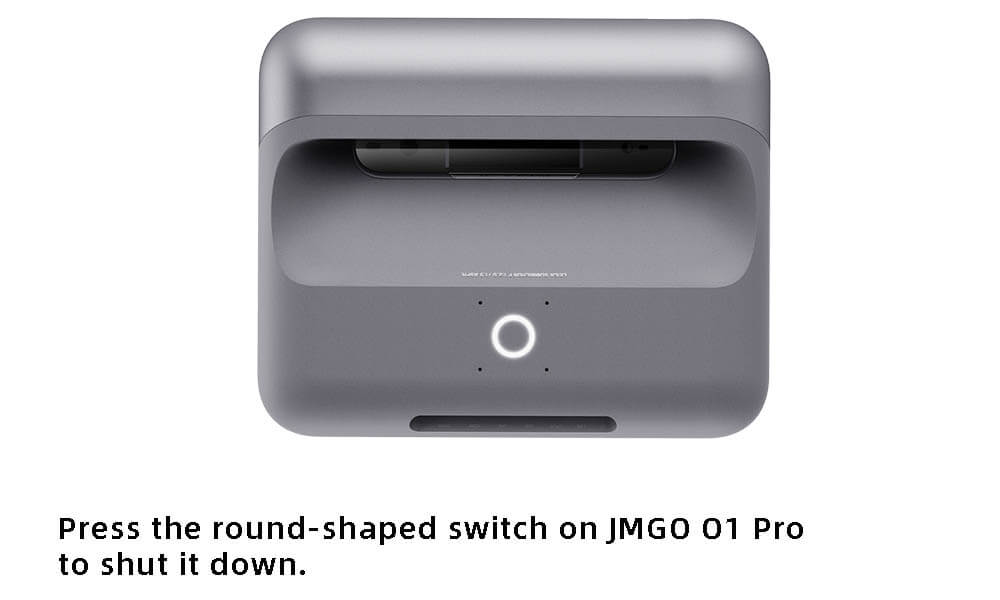
2. Press the round-shaped switch on JMGO O1 Pro to shut it down.
Note that a single click of the "Luna" button will enter the Companion Mode, while long-pressing the button directs JMGO O1 Pro to the sleep mode.
There are two ways to turn off JMGO O1 Pro:
1. Long press the "Luna" button and the "Home" button at the same time to enter the shutdown menu and select the "shutdown" option.
2. Press the round-shaped switch on JMGO O1 Pro to shut it down.
Note that a single click of the "Luna" button will enter the Companion Mode, while long-pressing the button directs JMGO O1 Pro to the sleep mode.


